






PIVOLTANISMCAA Commemorative Magazine
100%

Preparing offline reader…

Save to my phone — install instructions

iPhone / iPad: Open in Safari. Tap Share, then Add to Home Screen, then Add. If offered, keep Open as Web App enabled.

Android: Open in Chrome. Tap the menu (⋮), then Install app / Add to Home screen.

Computer: In Chrome or Edge, use the install icon in the address bar or the browser menu.

Keep this page open until it says “Ready for offline reading”. Then launch this edition from its home-screen icon. Browser storage can be cleared by your device; reopen online to save again if needed.

Swipe or tap a page corner to turn. Use ← → on a keyboard. Rotate your phone for a two-page spread.

NISMCAA Commemorative Magazine — page 1
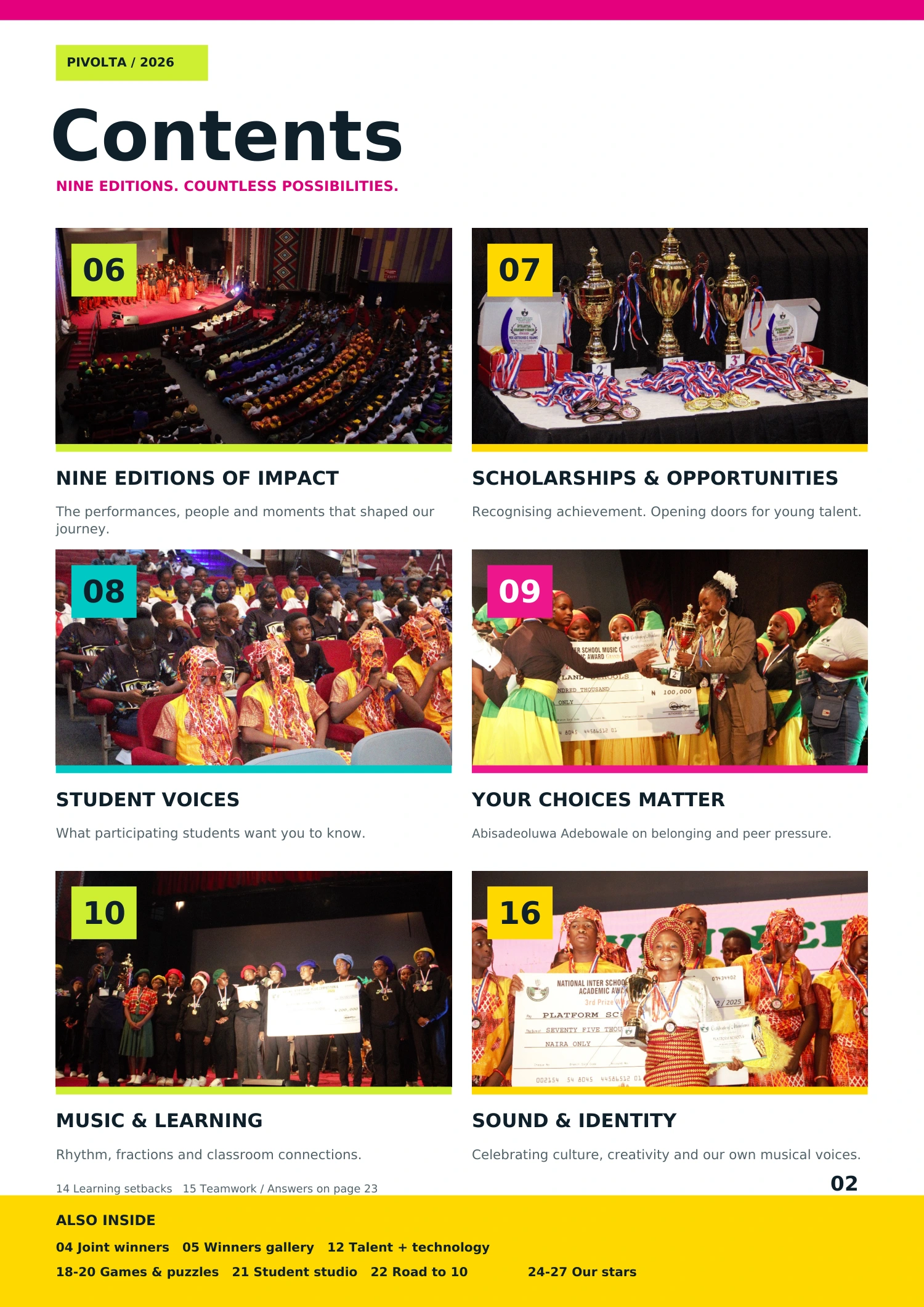
NISMCAA Commemorative Magazine — page 2
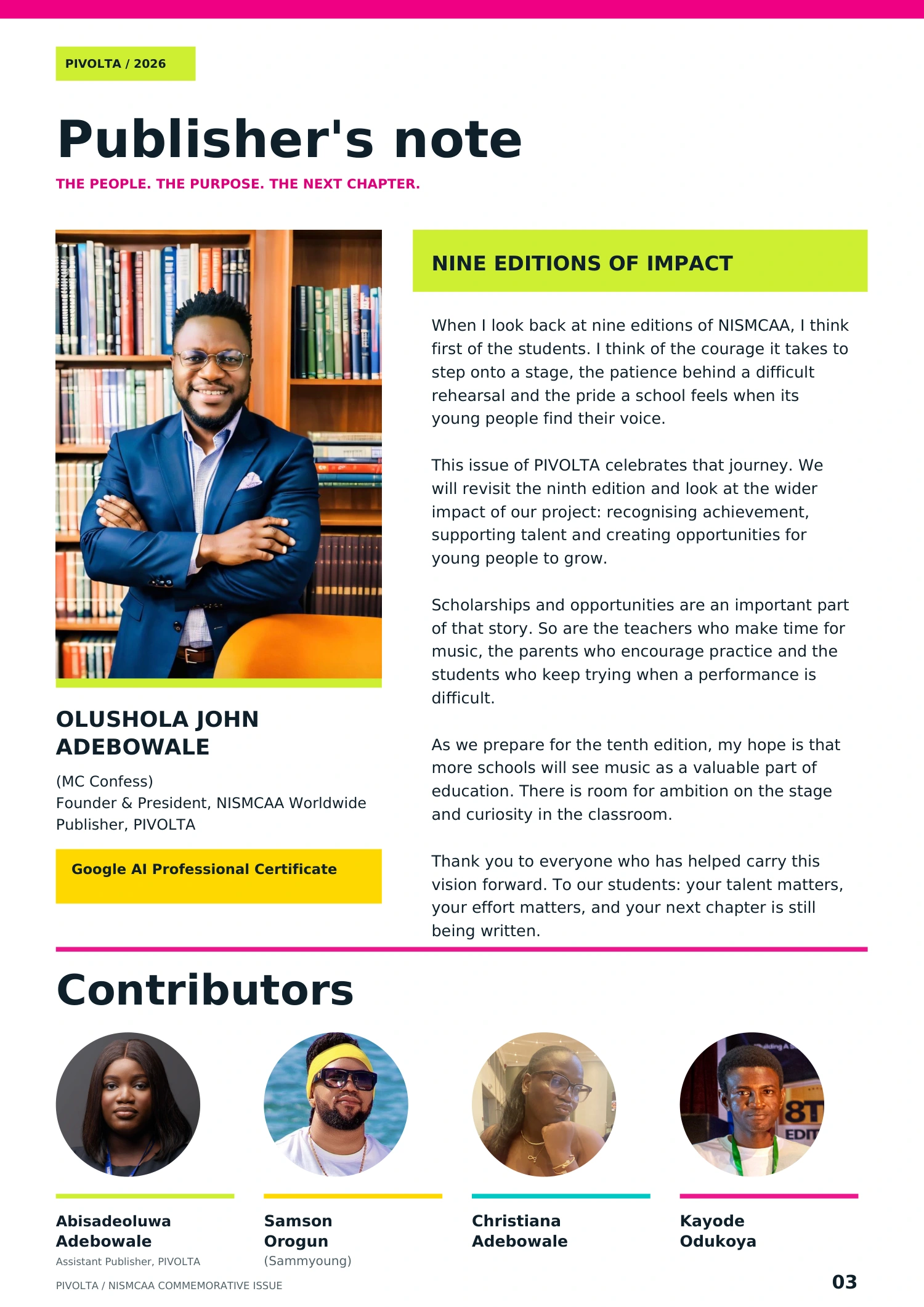
NISMCAA Commemorative Magazine — page 3
NISMCAA Commemorative Magazine — page 4
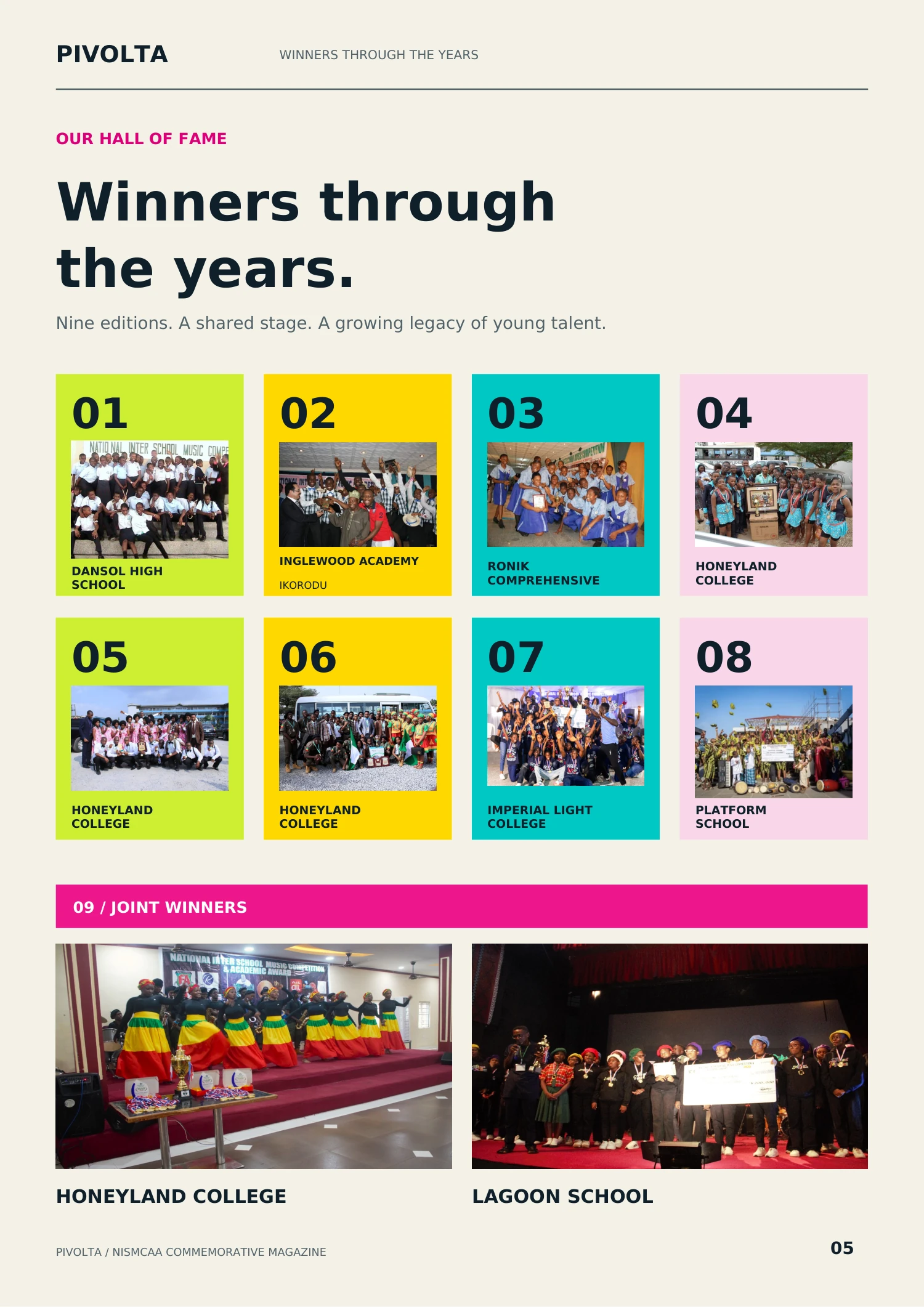
NISMCAA Commemorative Magazine — page 5
NISMCAA Commemorative Magazine — page 6
NISMCAA Commemorative Magazine — page 7
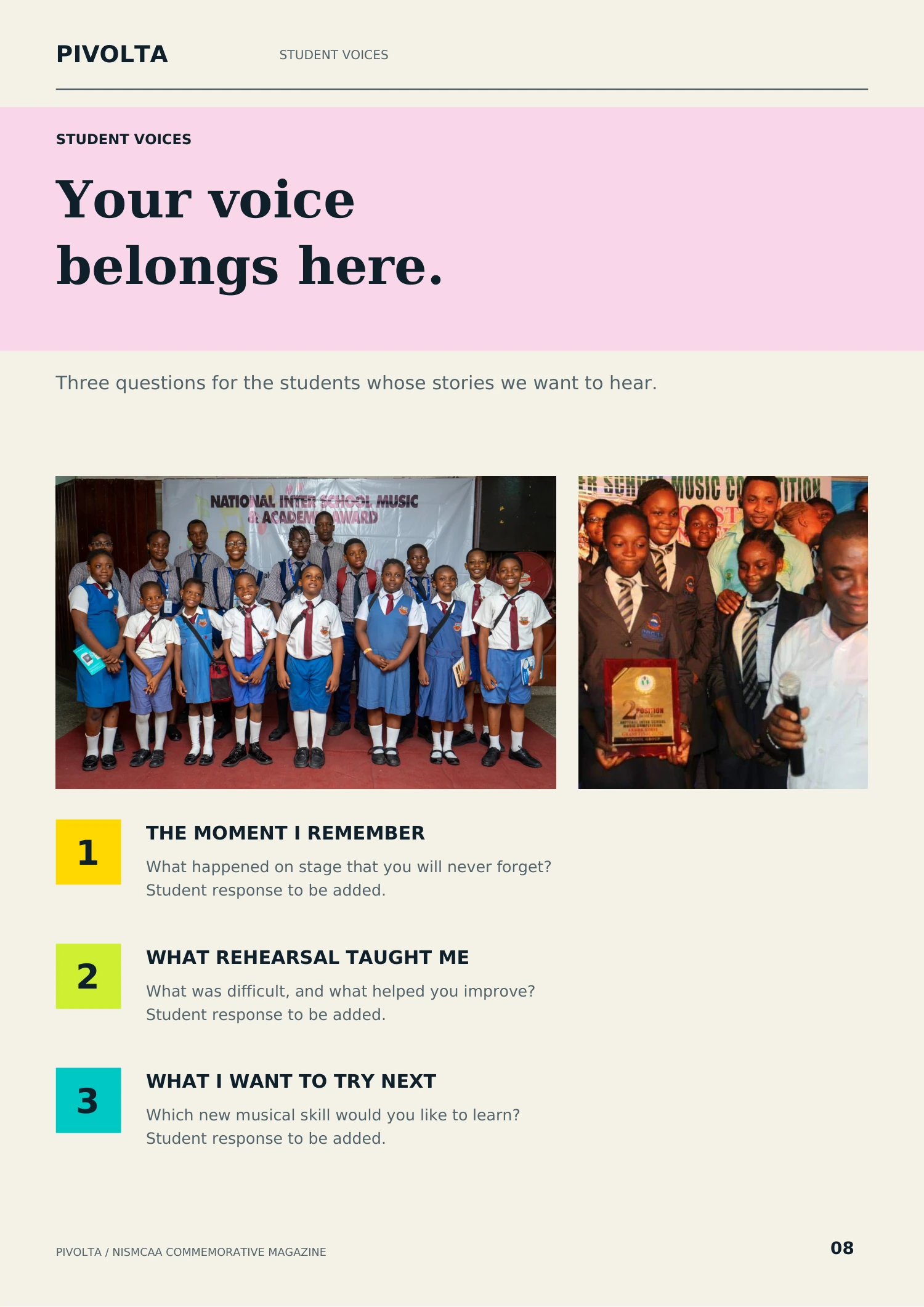
NISMCAA Commemorative Magazine — page 8
NISMCAA Commemorative Magazine — page 9
NISMCAA Commemorative Magazine — page 10
NISMCAA Commemorative Magazine — page 11
NISMCAA Commemorative Magazine — page 12
NISMCAA Commemorative Magazine — page 13
NISMCAA Commemorative Magazine — page 14
NISMCAA Commemorative Magazine — page 15
NISMCAA Commemorative Magazine — page 16
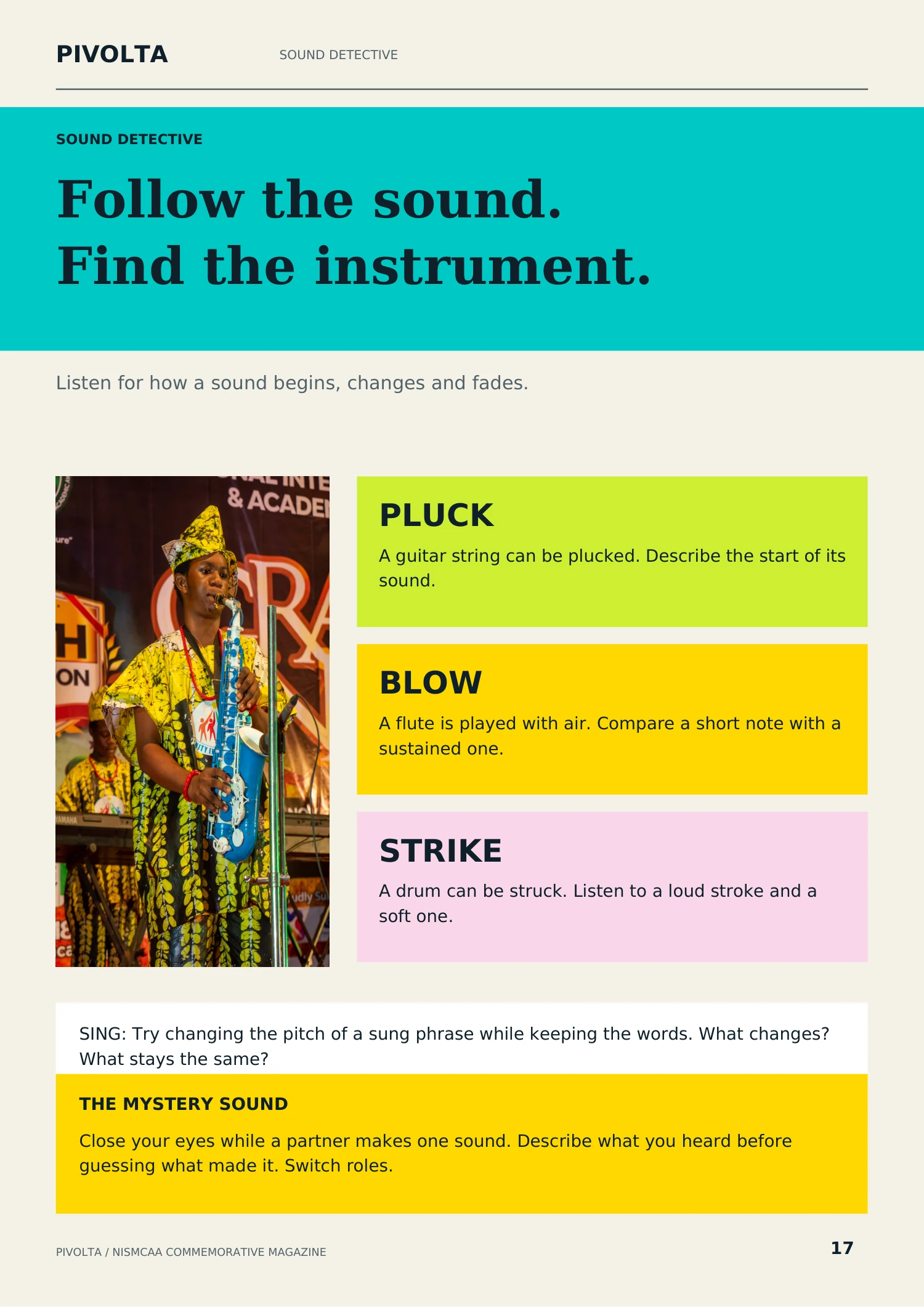
NISMCAA Commemorative Magazine — page 17
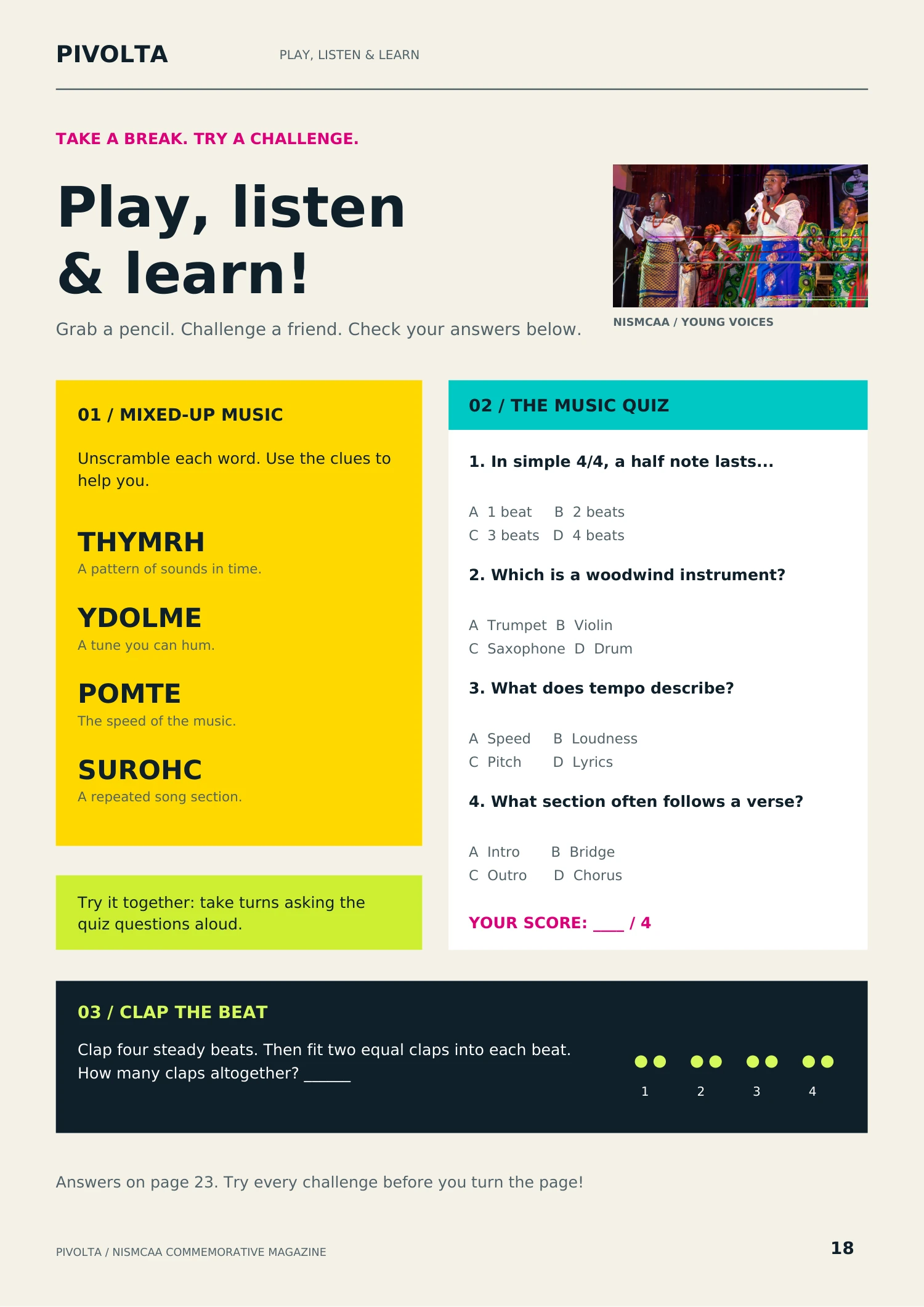
NISMCAA Commemorative Magazine — page 18
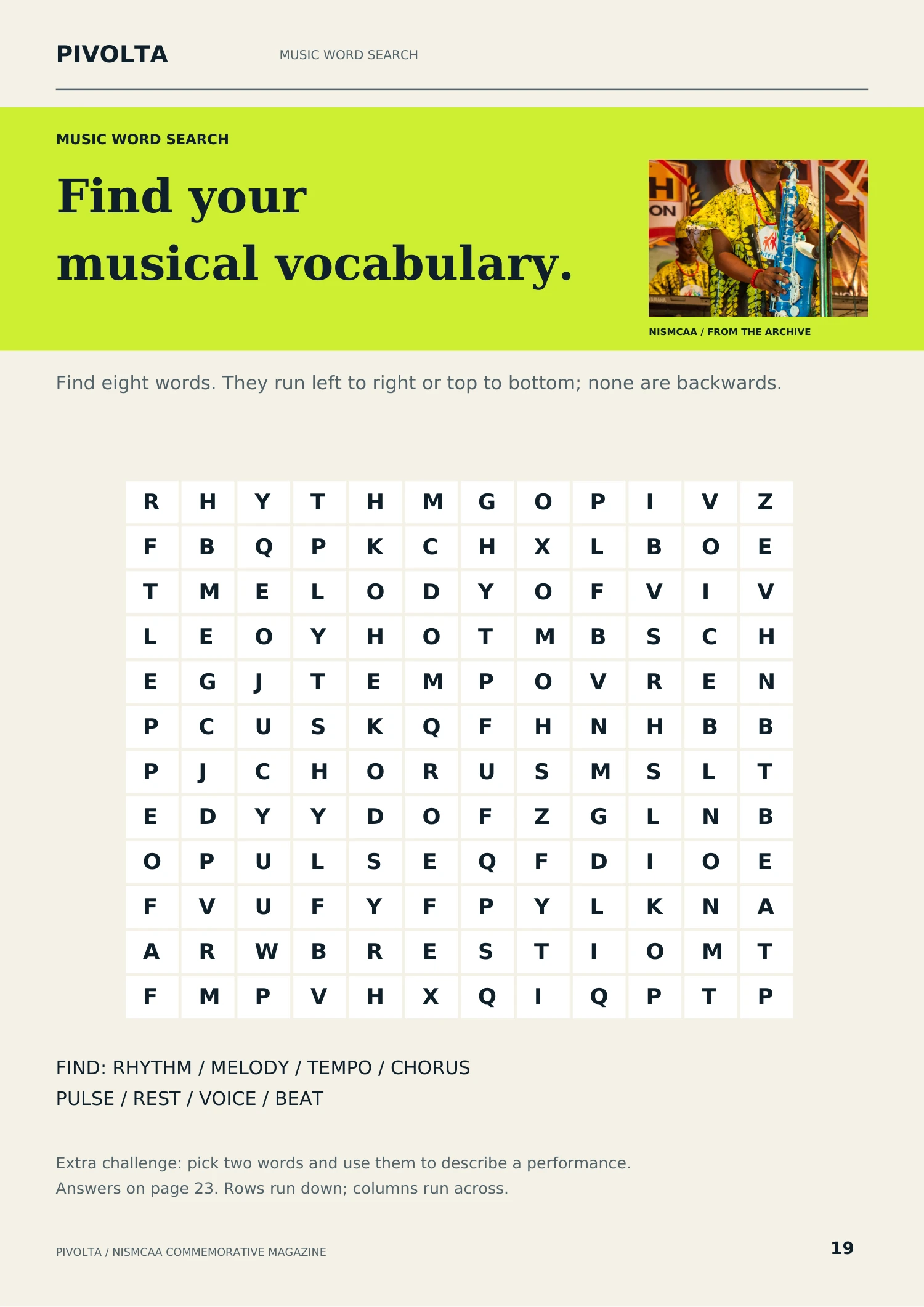
NISMCAA Commemorative Magazine — page 19
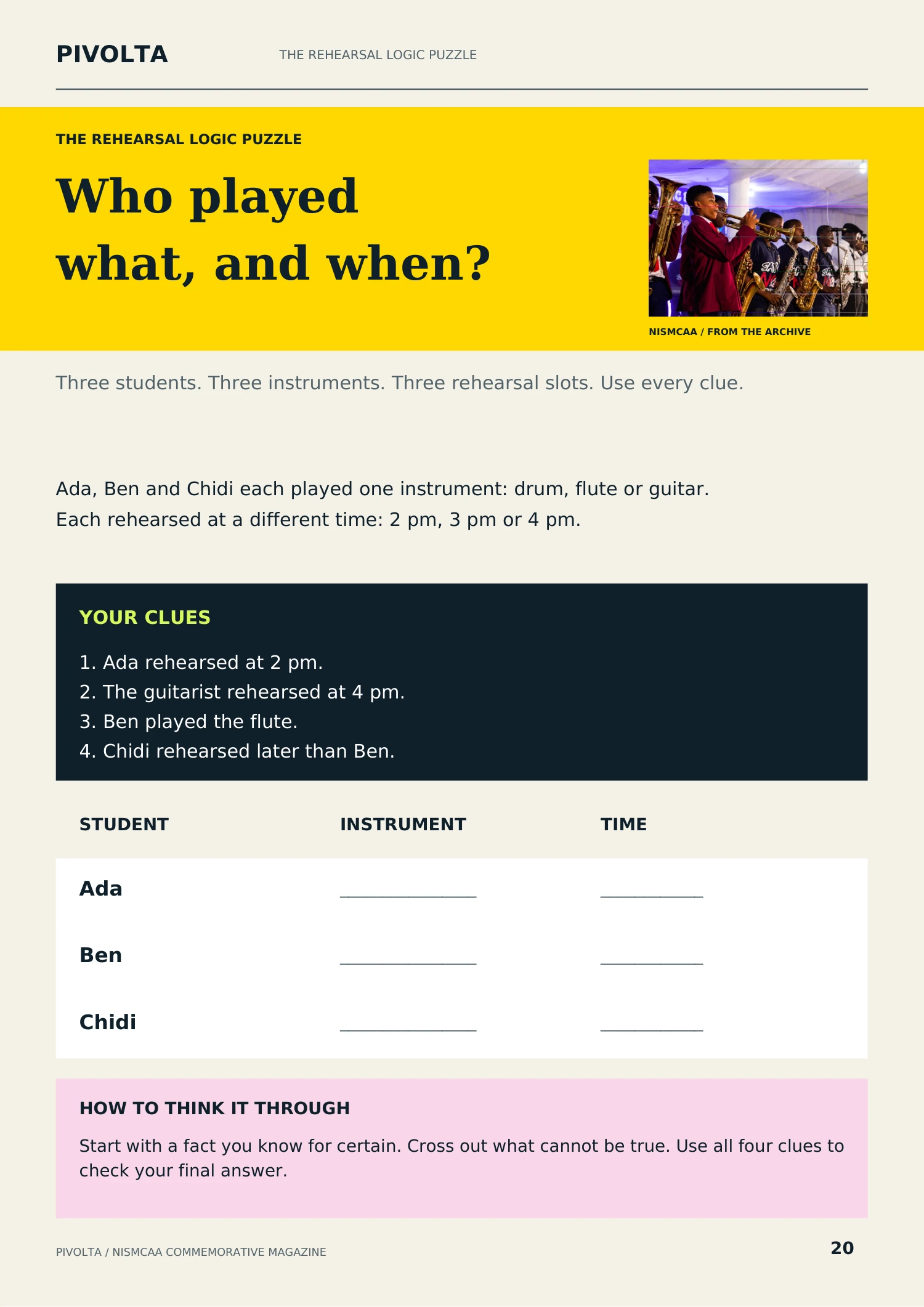
NISMCAA Commemorative Magazine — page 20
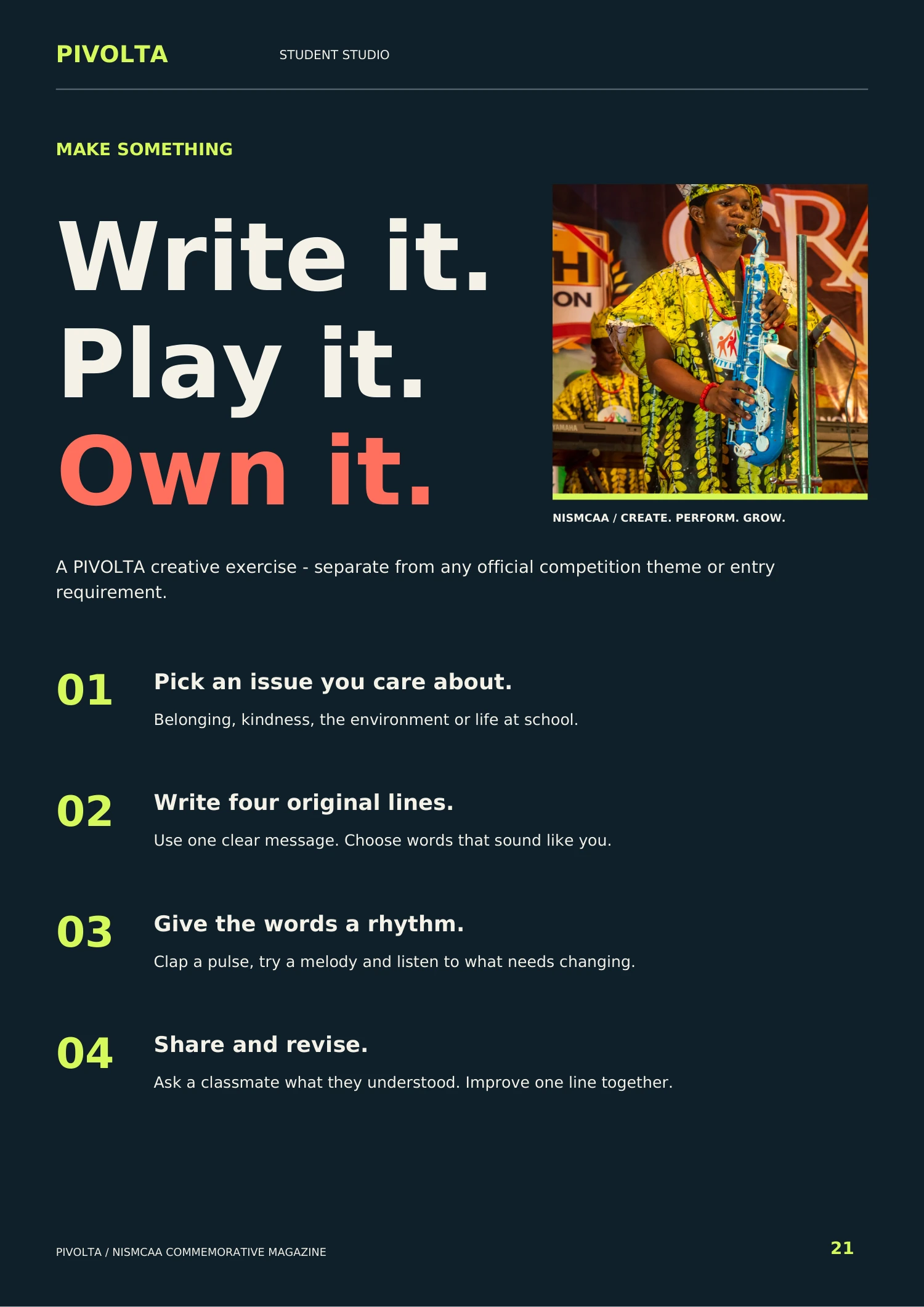
NISMCAA Commemorative Magazine — page 21
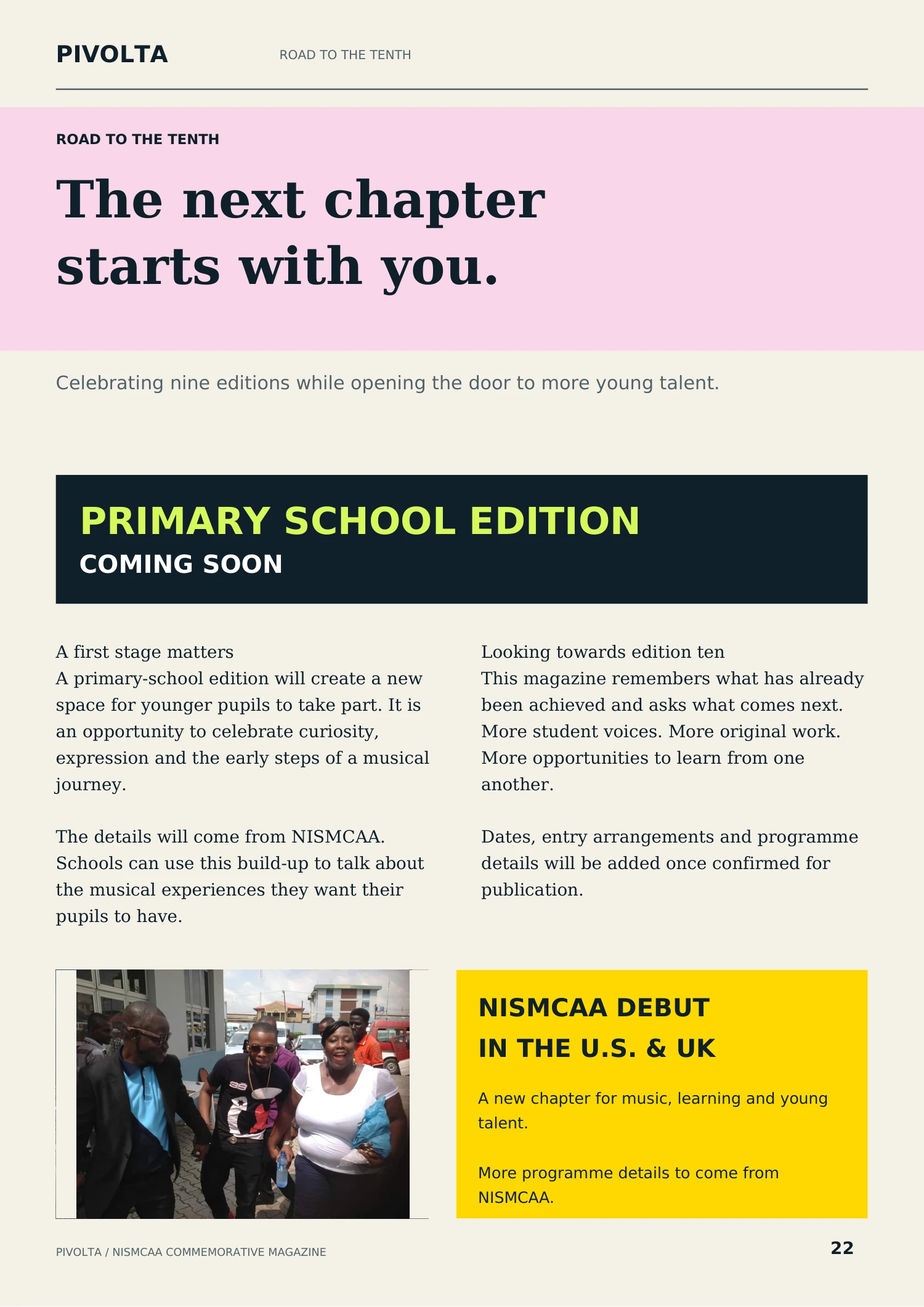
NISMCAA Commemorative Magazine — page 22
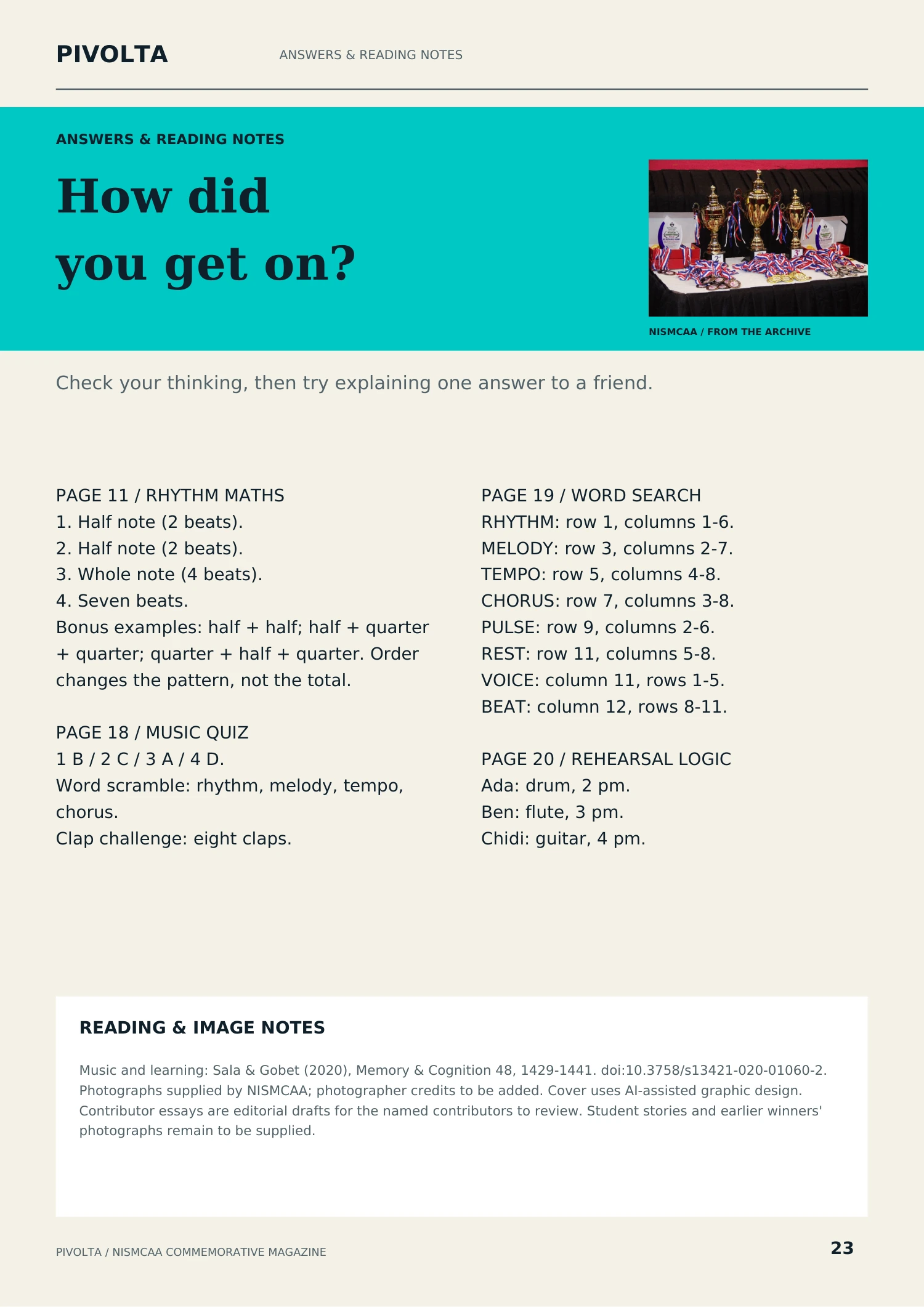
NISMCAA Commemorative Magazine — page 23
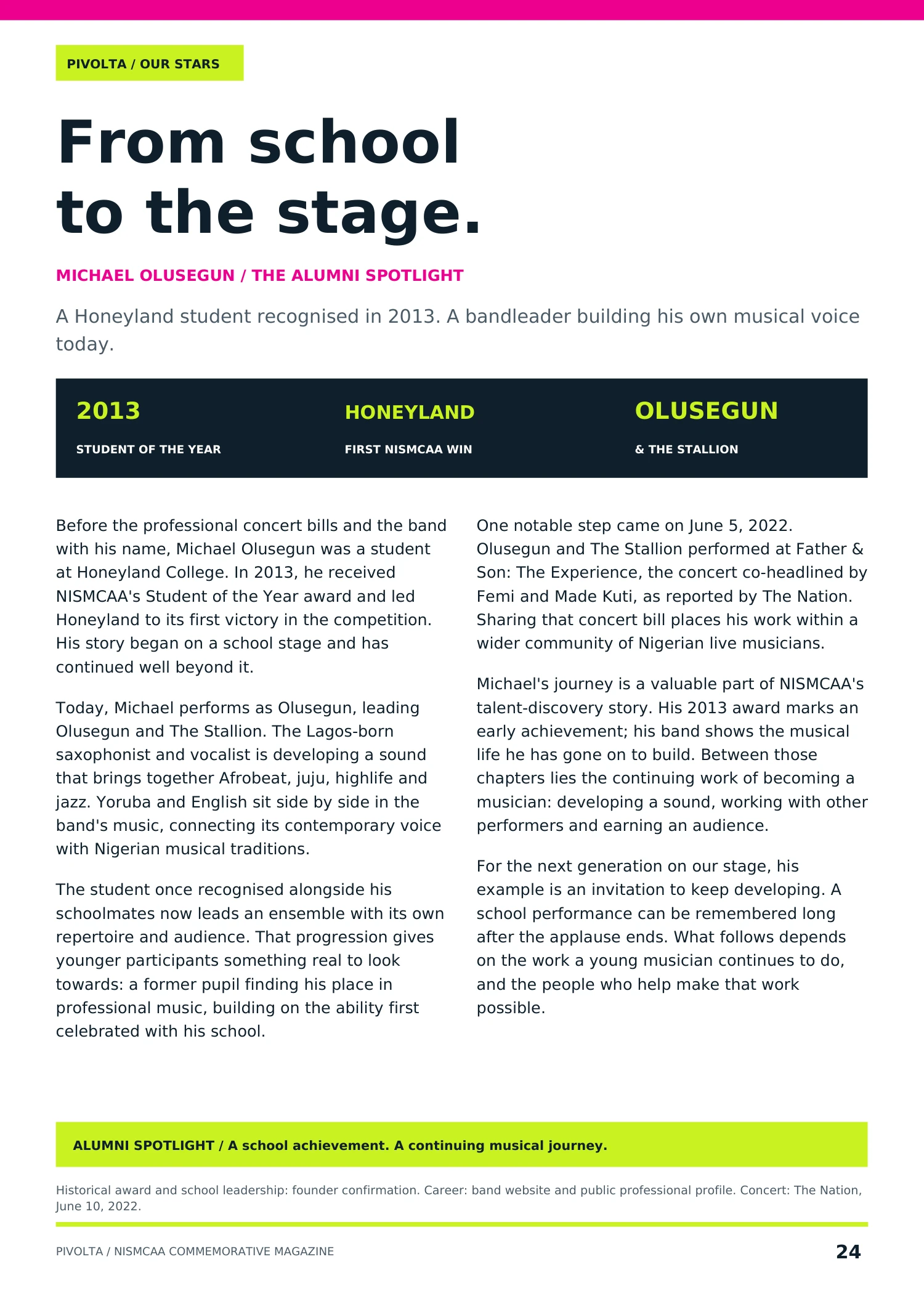
NISMCAA Commemorative Magazine — page 24
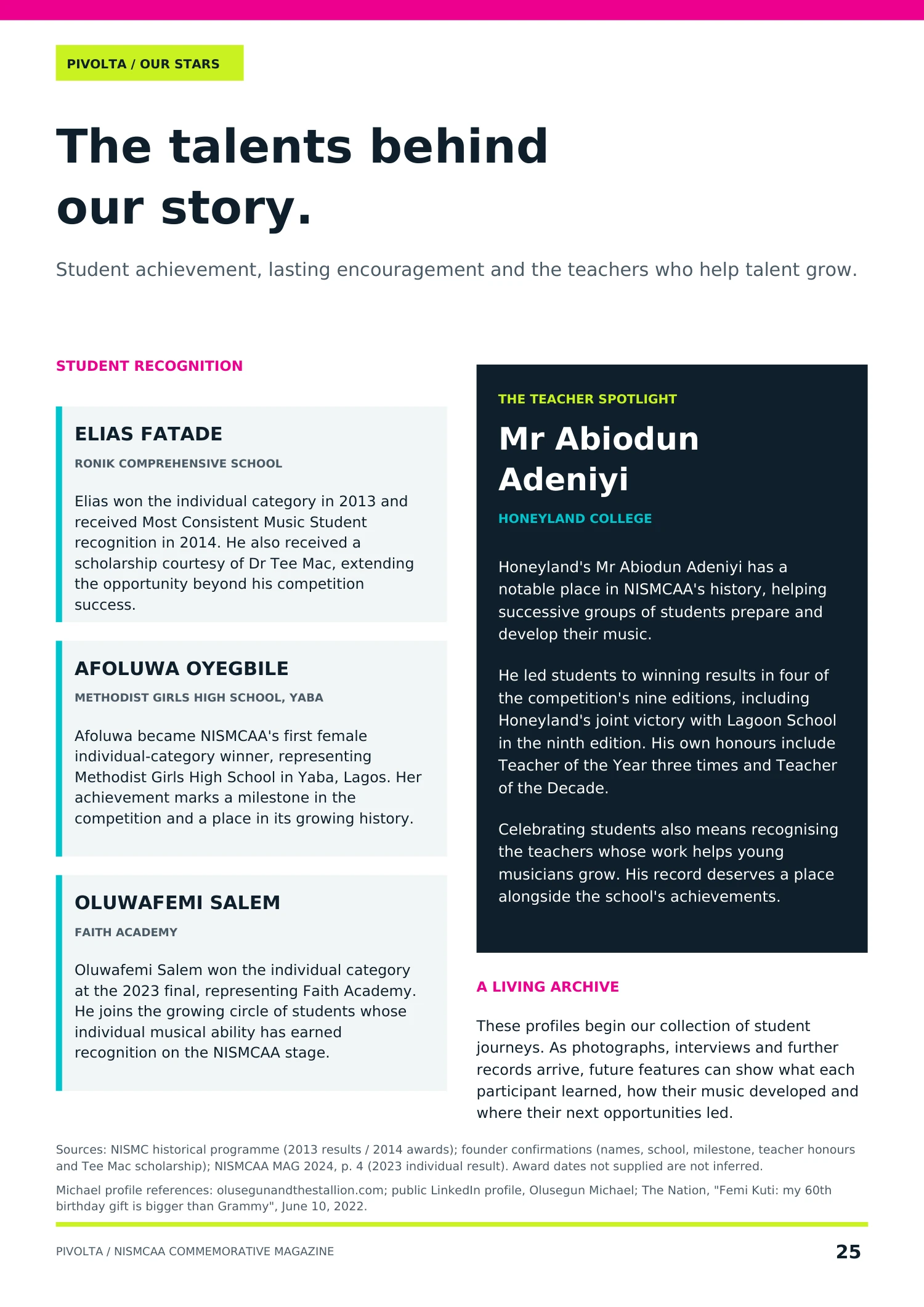
NISMCAA Commemorative Magazine — page 25
NISMCAA Commemorative Magazine — page 26
NISMCAA Commemorative Magazine — page 27
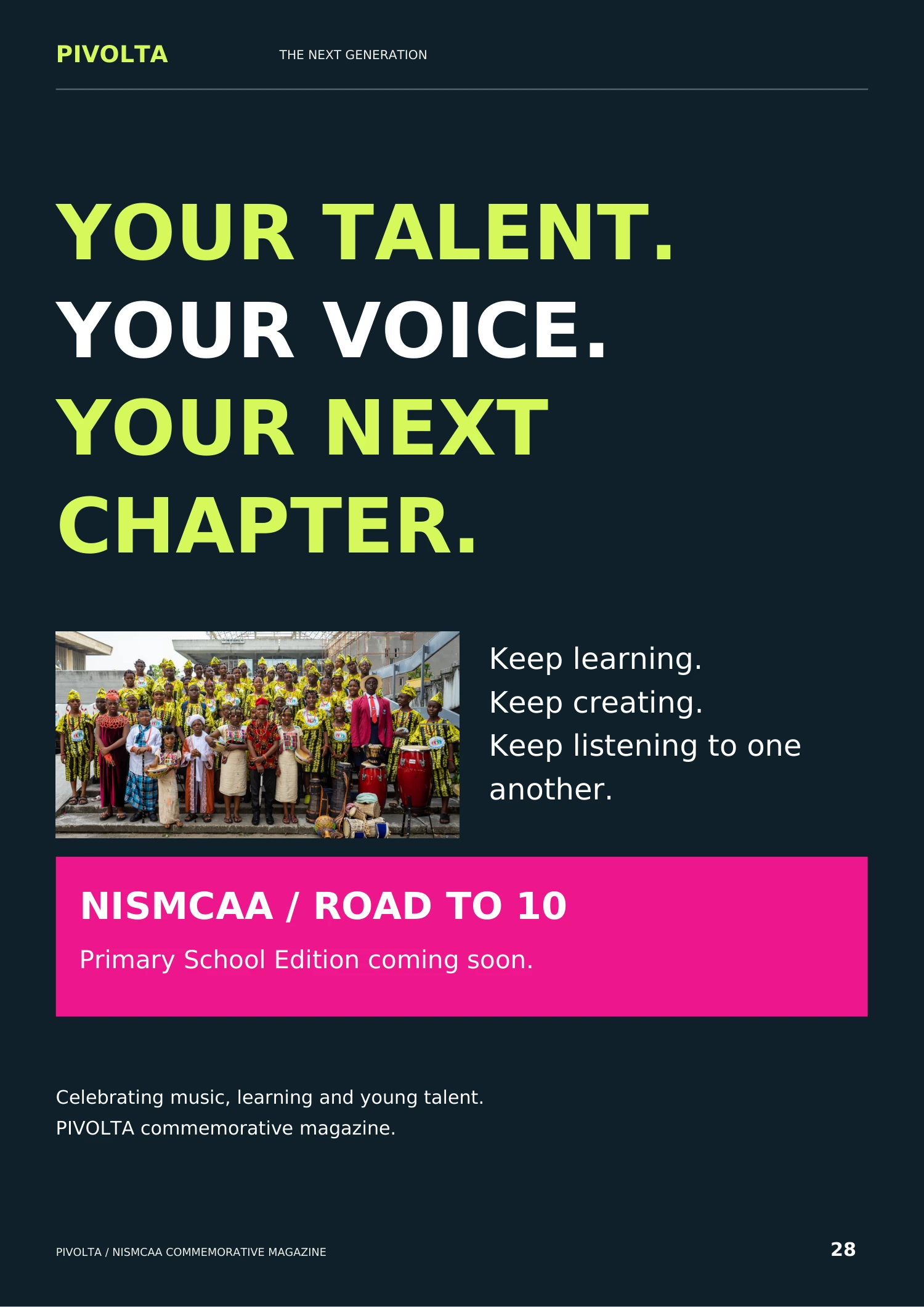
NISMCAA Commemorative Magazine — page 28